Key and Document Borrow
Use Case: Streamlining Workflow and Enhancing Security with Smart Lockers for Employee Keys and Document Borrowing
Scenario:
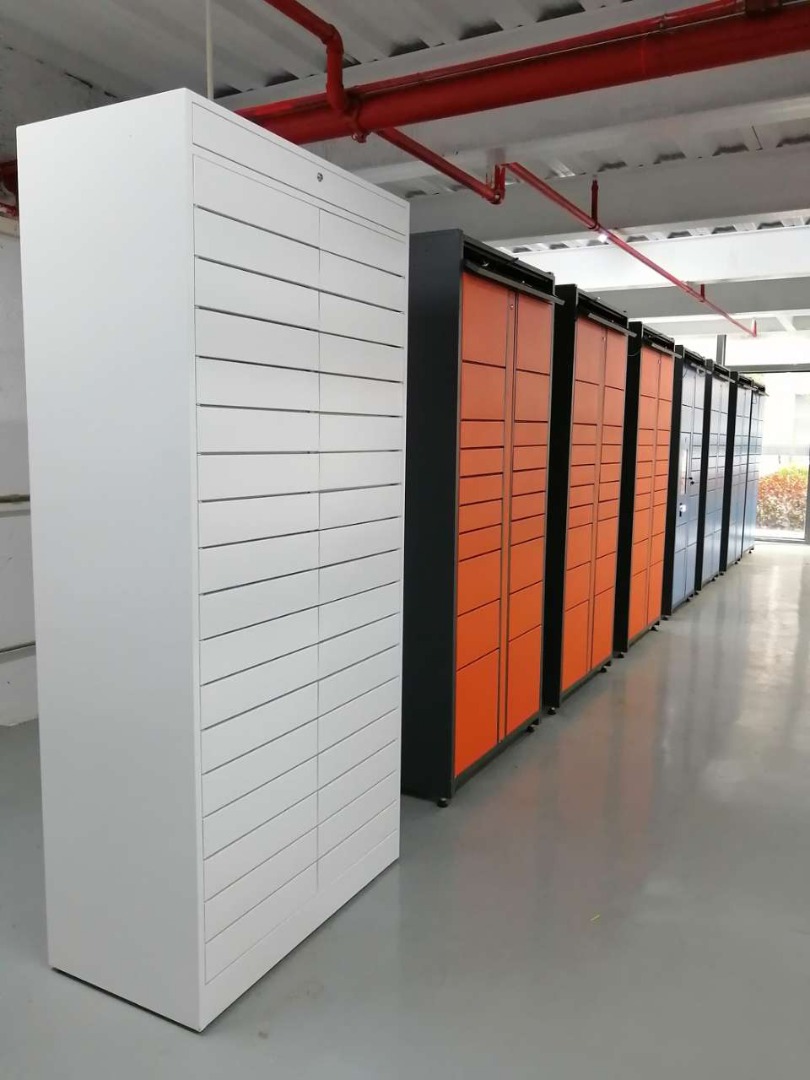
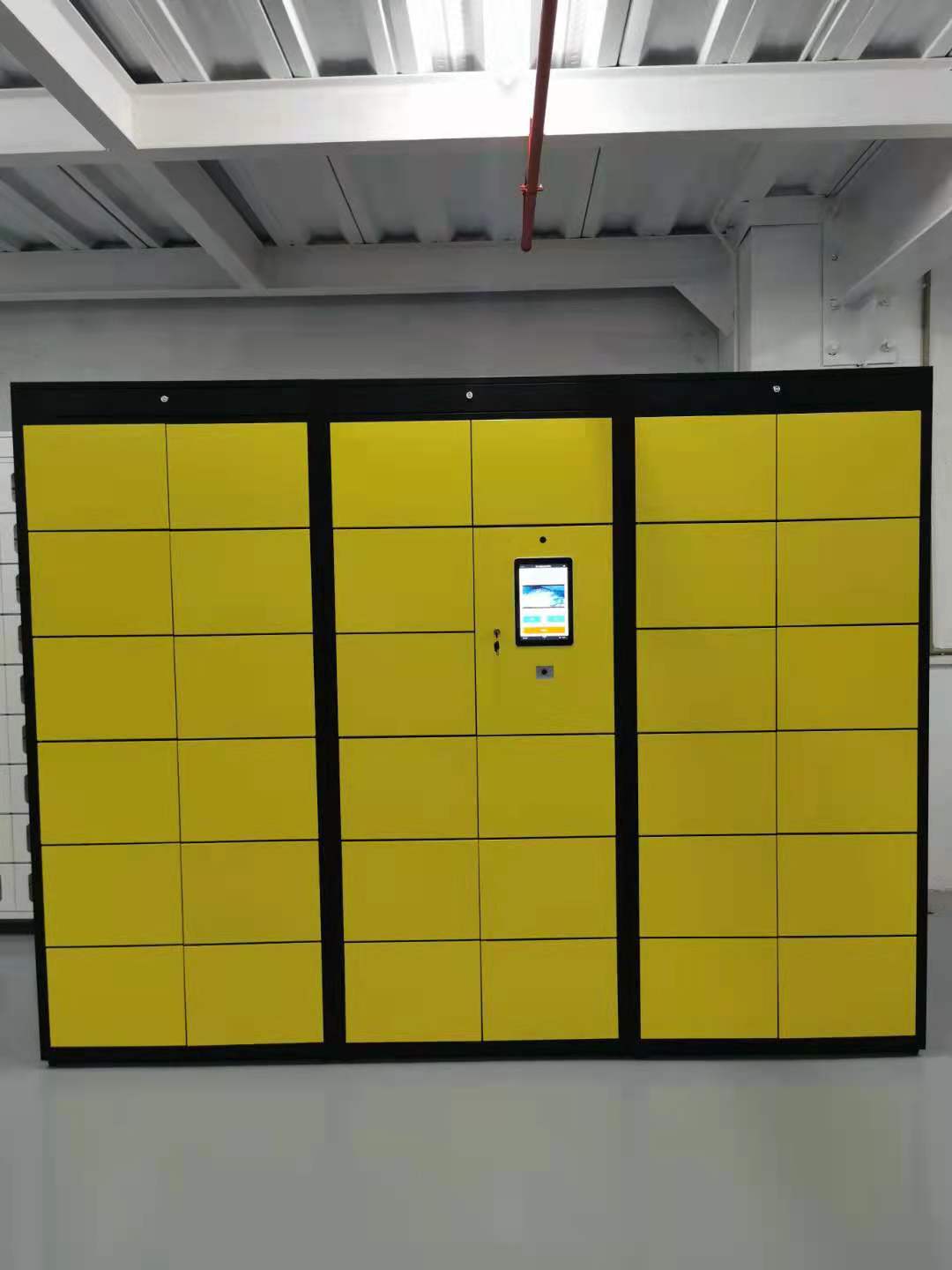
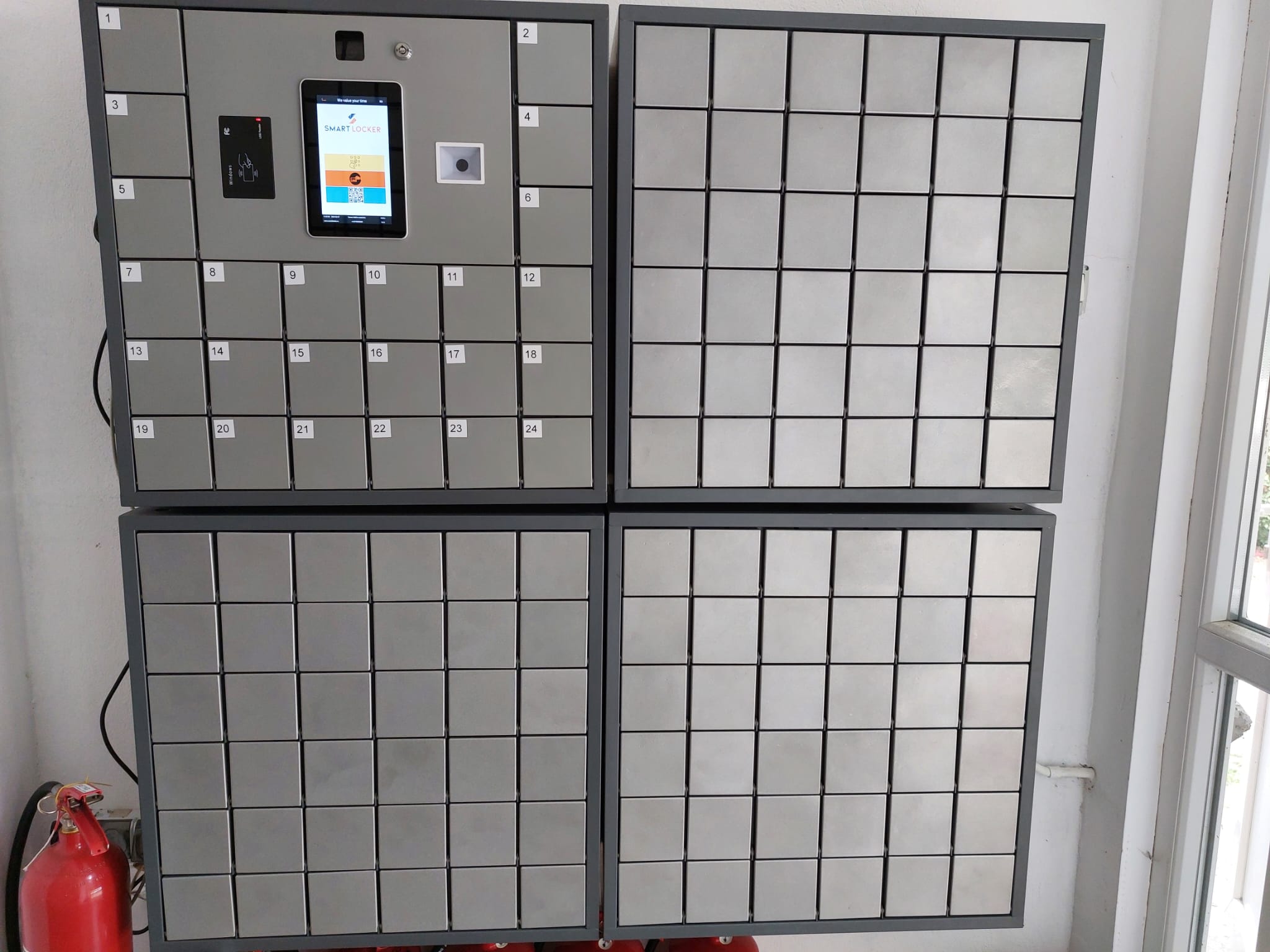
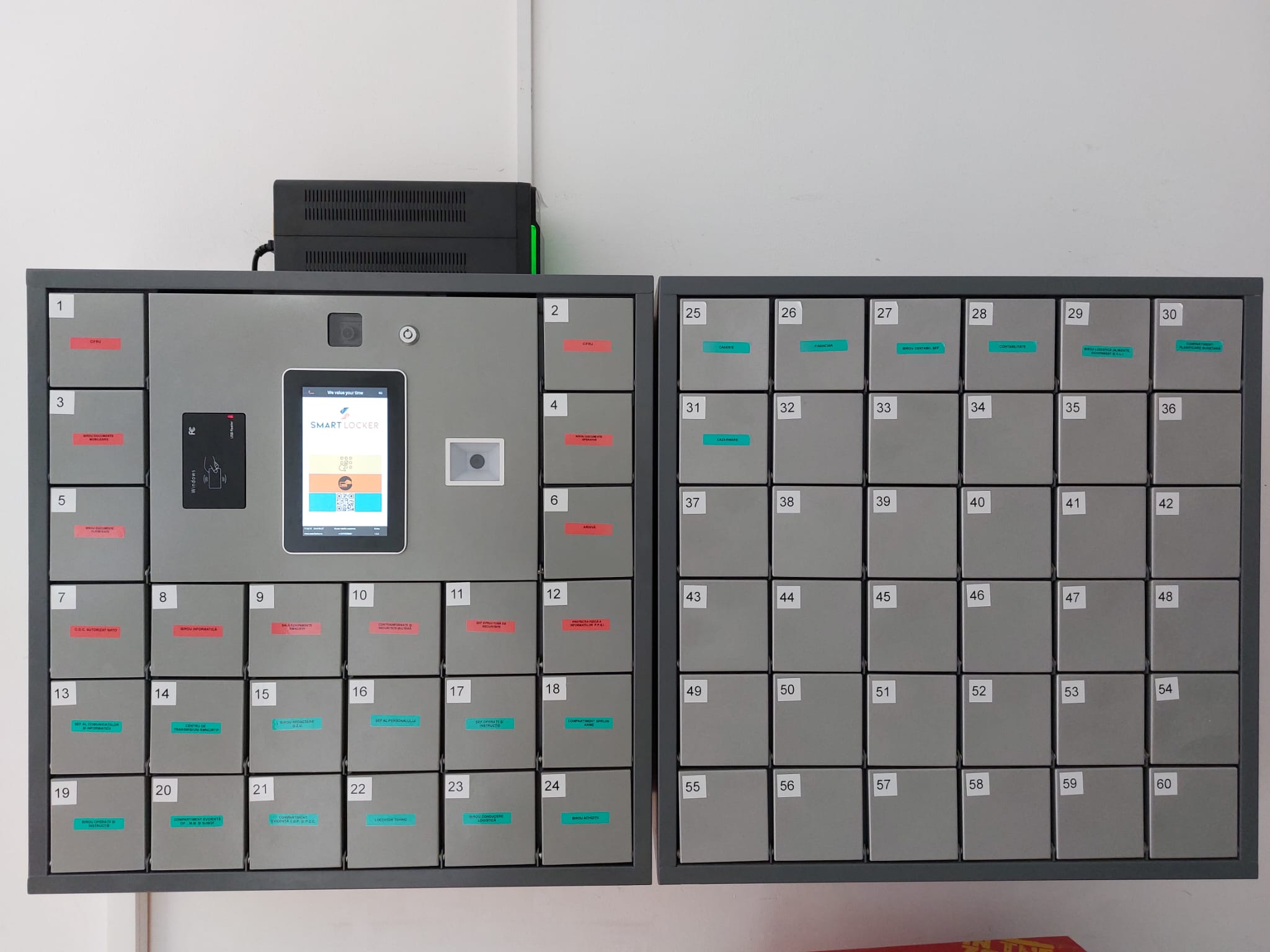
Our smart lockers are designed to facilitate employee access to keys and documents while ensuring enhanced security and a simplified workflow. These smart lockers feature card-based authentication, a management server that provides access reports, and API integration capabilities for seamless integration with other applications.
1. User: Employee
- Role: Key/Document Borrower
2. Goal:
Securely and efficiently borrow keys or documents using smart lockers.
3. Preconditions:
- Employees possess RFID cards for authentication.
- Smart lockers are installed throughout the company’s premises.
- The management server with access reports is configured.
- API integration functionality is implemented.
4. Main Flow:
- The employee arrives at the designated smart locker area.
- The employee authenticates their identity by scanning their RFID card on the locker’s card reader.
- The smart locker system verifies the employee’s authentication data.
- Upon successful authentication, the smart locker interface displays the available options for key/document borrowing.
- The employee selects the desired key or document from the interface.
- The smart locker unlocks the designated compartment where the requested key/document is stored.
- The employee retrieves the key/document and closes the locker.
- The smart locker automatically locks the compartment and sends a notification to the management server.
- The management server logs the employee’s access event, including the timestamp, locker number, and borrowed key/document.
- Optional: The management server can generate access reports for security and audit purposes.
- The employee uses the borrowed key/document as needed.
- Upon completion, the employee returns the key/document.
- The employee re-authenticates using the RFID card.
- After successful authentication, the smart locker unlocks a corresponding compartment for the return of the key/documents.
- The employee places the borrowed key/document inside the designated compartment and closes the locker.
- The smart locker automatically locks the compartment and sends a return notification to the management server.
- The management server logs the key/document return event, updating the access logs.
End of use case.
5. Alternative Flow:
- If the smart locker system fails to authenticate the employee’s identity, an error message is displayed, and the employee can retry the authentication process.
6. API Integration:
- The smart locker system offers API integration functionality, including:
- Employee Management System Integration: Synchronizes user data for seamless authentication.
- Task Management System Integration: Automates key/document assignment and retrieval based on employee tasks.
- Security System Integration: Triggers alarms or notifications for unauthorized access attempts or overdue returns.
- Optional: Integration with the company’s calendar or event management system for scheduling key/document reservations in advance.
By implementing smart lockers with card-based authentication, a management server with access reports, and API integration capabilities, the company can significantly enhance security, optimize employee workflows, and seamlessly integrate the smart locker system with other applications, providing a comprehensive solution for key and document borrowing needs.